 Metwith
A card they save in one scan.
Make your business card on your iPhone, or scan your paper one. Show its QR code and any phone camera adds you to their contacts, with no app on their side. No account, no subscription.
Download on the App StoreFree with two cards of your own. Metwith Pro is one payment, shared with your family.
Your card in a minute
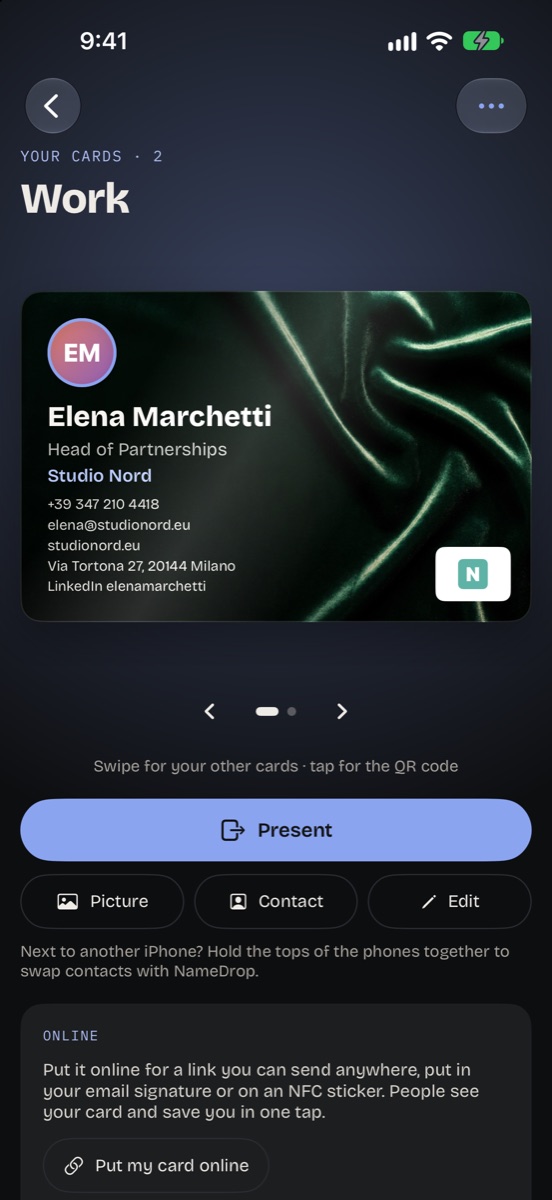
Type your details, or scan the paper card you already have and Metwith fills them in. Add your photo and your logo, then choose how it looks.
- Name, job, company, every phone, email, website and address
- Your logo from your website in one tap
- Extra lines for LinkedIn, Instagram, WhatsApp or anything you like
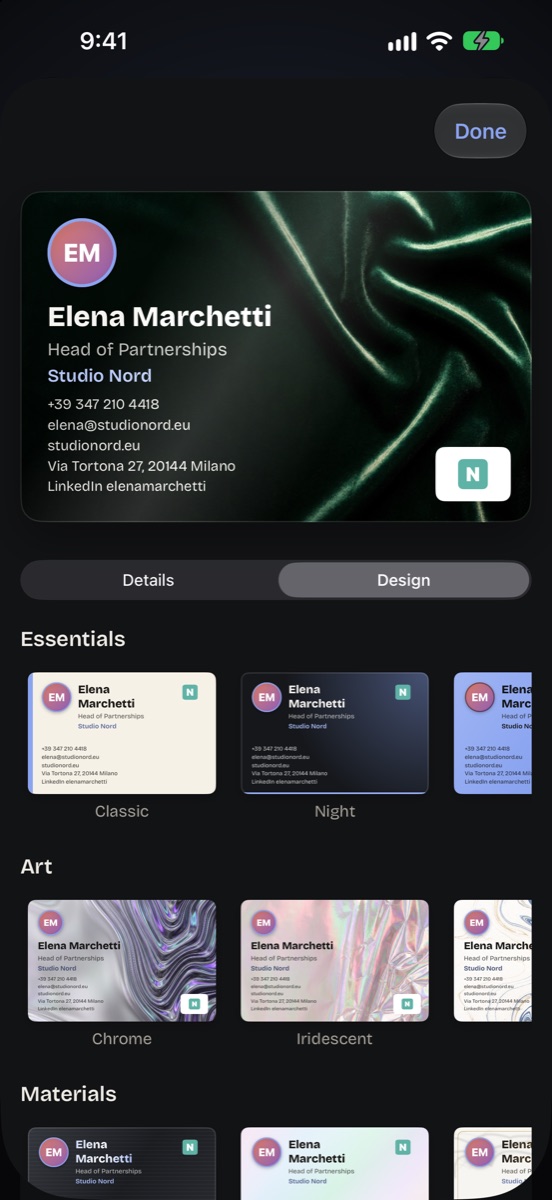
- Four classic looks free, and 34 designs with Pro, from painted art to liquid colour, shapes and orbits
A QR code any camera reads
Turn your card over and its QR code holds your contact. They point their phone's camera at it and save you, on iPhone or Android, with no app and no connection needed.
- Full screen with Present, easy to scan across a table
- Say "Show my Metwith card" to Siri, search in Spotlight, or put it on the Action button
- Your card on the Home Screen, in two widgets
- Next to another iPhone, swap contacts with NameDrop
- Send it as a picture or a contact in any app
On your wrist at the fair
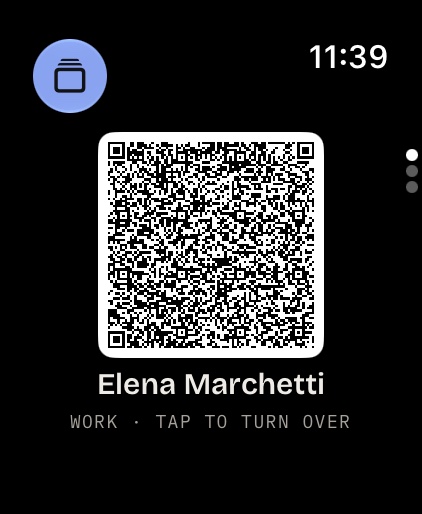
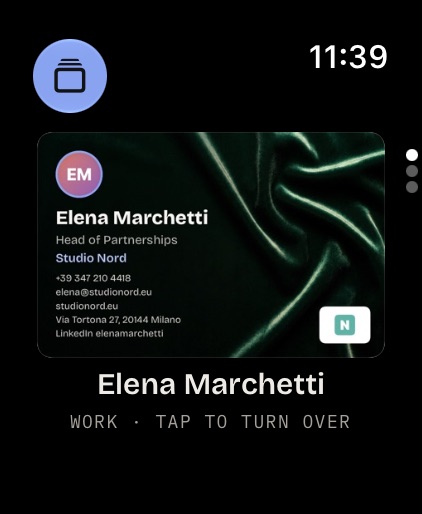
Raise your wrist and your QR code fills the screen, ready to be scanned. Tap it and the card turns over to show your details.
- A complication and a Smart Stack widget that open your QR code
- Free, straight from your iPhone, with no server in between
Online, and on NFC stickers
A link to your card
Put your card online for a link to send anywhere, put in your email signature or on LinkedIn. People see your card and save you in one tap.
NFC stickers
Write the link to a blank NFC sticker. A phone that taps it opens your card. How it works
Always up to date
Change your card and the online one follows, so every link and sticker you've given out shows the new details.
A card for each role
Two cards of your own are free, for work and personal. With Pro, as many as you like.
Take it offline
One tap deletes it from the server. Only what's on your card ever goes online.
One payment
Pro is paid once and shared with your family. No subscription, ever.
Questions
Does the other person need an app?
No. Their camera reads the QR code and offers to add you to their contacts, on iPhone and on Android.
Does the QR code work offline?
Yes. It holds your contact details themselves, so neither phone needs a connection. Once your card is online, the code holds its short link instead, which shows your photo and logo.
Is it free?
Your card, its QR code, the widgets and Apple Watch are free, with two cards of your own in the four classic looks. Metwith Pro adds every design, more cards, the online card and NFC stickers, paid once.
Does it scan other people's cards too?
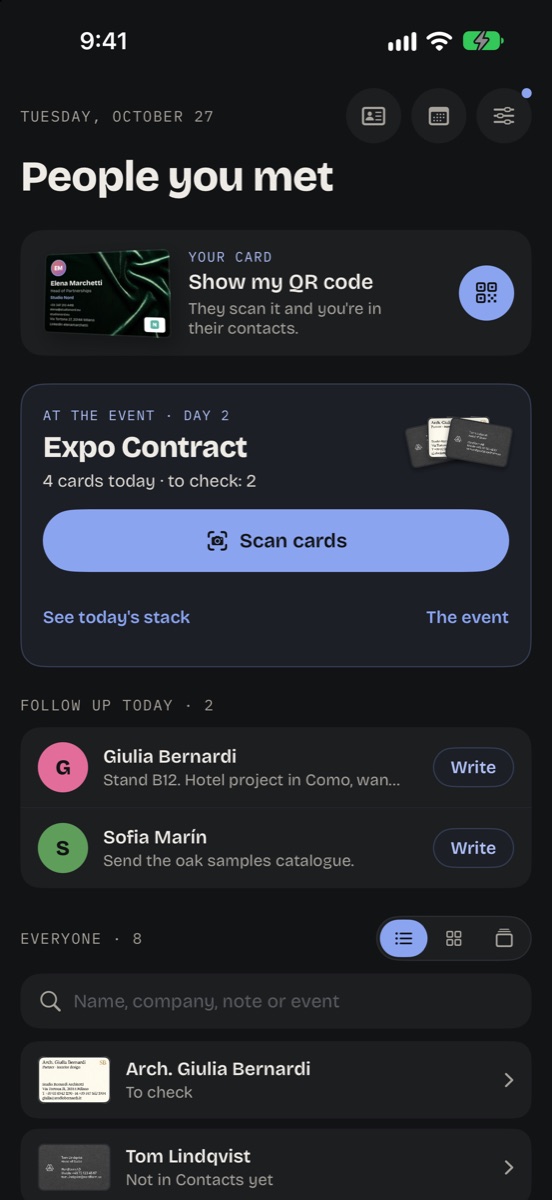
Yes, that's where Metwith started. Scan the cards you collect and they go to your Contacts, with where you met. The business card scanner
Can it go in my email signature?
Yes, with Pro: put your card online and paste its link in your signature. People see your card and save you in one tap.
How is it different from Blinq or HiHello?
Their paid plans are subscriptions. In Metwith, your card and its QR code are free, and Pro is one payment. Side by side
Read on
Make your card in a minute
Free on iPhone and iPad with iOS 17 or later, and on Apple Watch.
Download on the App Store